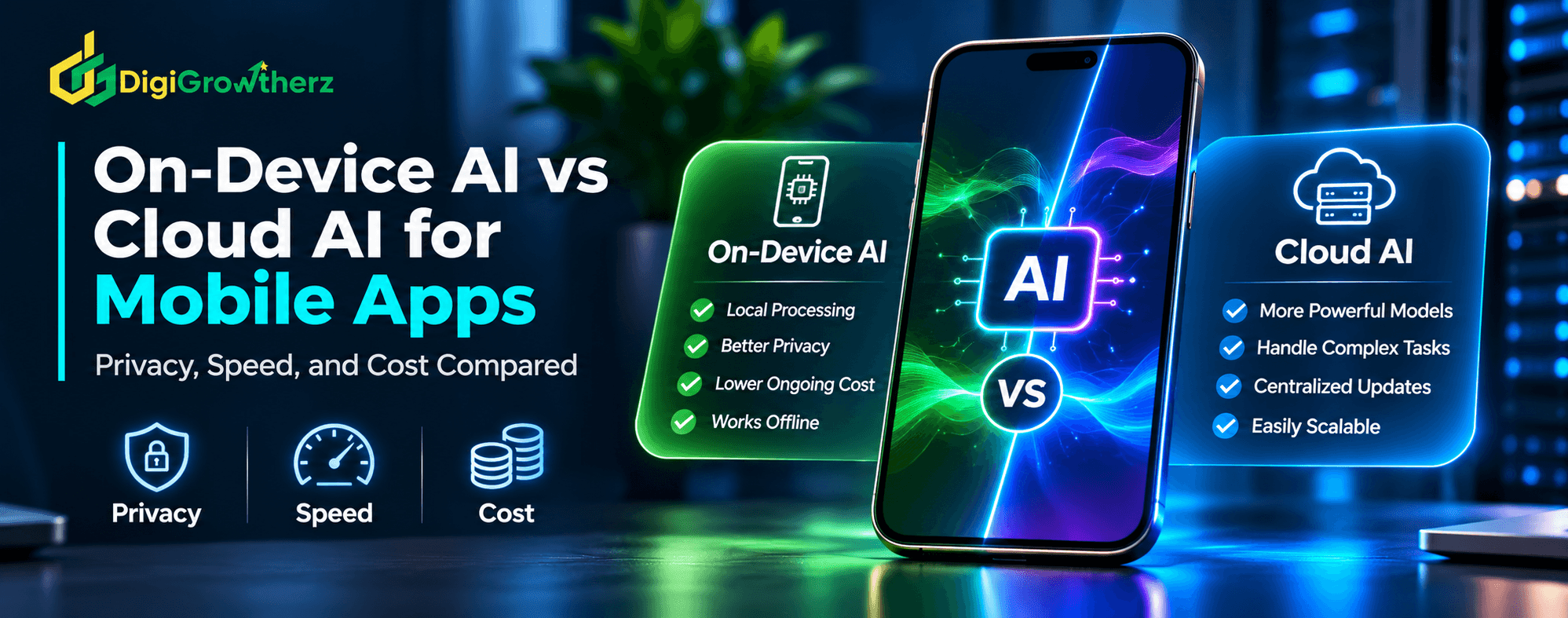
On-Device AI vs Cloud AI for Mobile Apps: Privacy, Speed, and Cost Compared
Should your mobile app process AI requests directly on the device or use a cloud-based AI service? Compare both approaches across privacy, performance, operating costs, device compatibility, and scalability to choose the right architecture for your business application.
D
DigiGrowtherz
DigiGrowtherz
Artificial intelligence is becoming an important part of modern mobile applications. Businesses are using AI to improve search, personalize recommendations, summarize information, automate repetitive activities, and help customers complete tasks more efficiently.
But before integrating AI into a mobile app, developers and business owners must make an important architectural decision:
Should AI run directly on the user's mobile device, or should requests be processed through a cloud-based AI service?
Both approaches can deliver intelligent features, but they work differently.
On-device AI processes information locally using the device's available hardware and compatible models. Cloud AI sends requests to remote servers, where larger or more capable models can process them and return results.
The difference affects more than technical architecture. It can influence customer privacy, response speed, infrastructure expenses, device compatibility, offline functionality, and long-term maintenance.
Neither approach is universally better. The right choice depends on what the application needs to accomplish.
This guide compares on-device AI and cloud AI for mobile apps, explains their advantages and limitations, and explores how a hybrid architecture can combine their strengths.
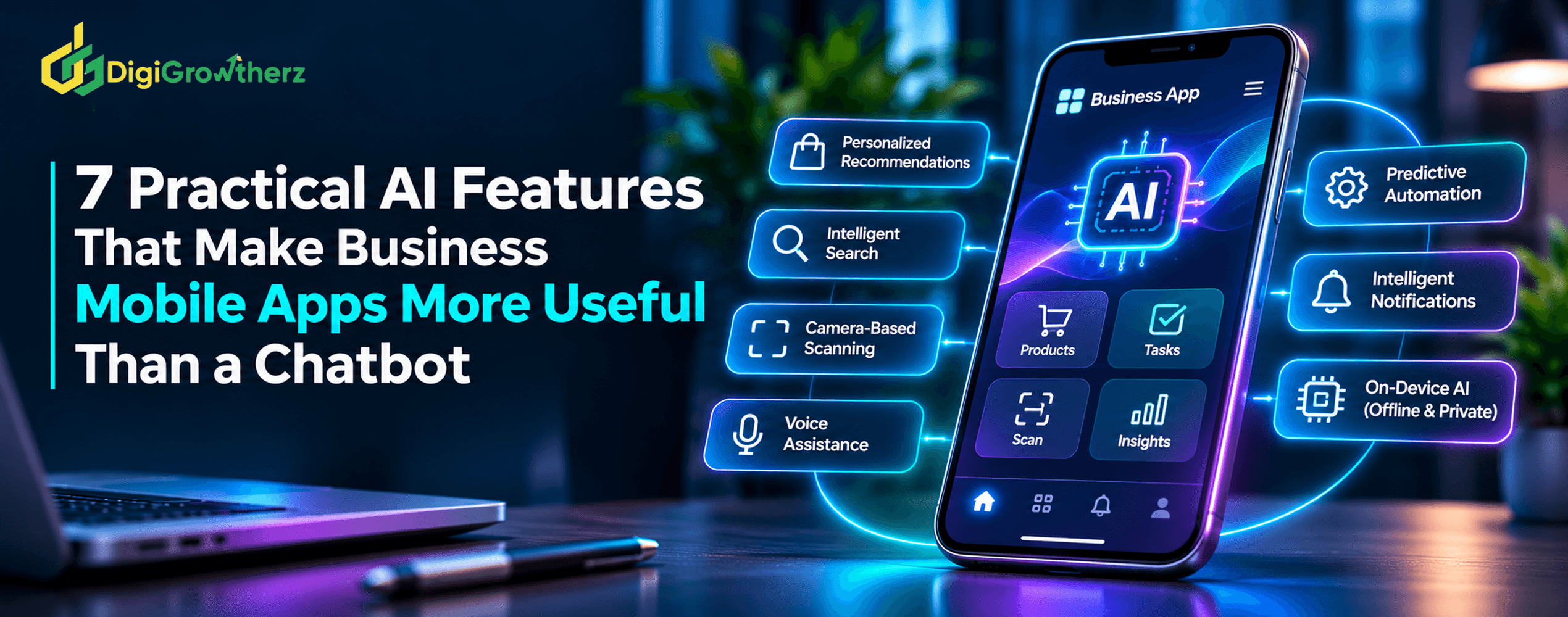
AI can do much more in a mobile app than answer questions. Discover seven practical features, from intelligent search and camera-based scanning to predictive workflows and personalized notifications, that can improve customer experiences and make business apps more useful.
On-device AI is an approach where an artificial intelligence model runs directly on a smartphone or tablet instead of sending each inference request to a remote AI server.
The device performs the processing locally using available hardware, such as its CPU, GPU, or Neural Processing Unit (NPU).
For example, a mobile application could use an on-device model to:
Summarize text or conversations.
Recognize information from images.
Categorize documents.
Generate short responses.
Translate selected content.
Provide intelligent search.
Interpret certain user requests.
Because inference happens locally, the application does not necessarily need an internet connection to perform supported AI tasks.
How On-Device AI Works
A simplified on-device AI workflow looks like this:
The user performs an action inside the mobile application.
The app prepares the required input.
A compatible AI model processes the information locally.
The model produces an output.
The application displays the result or uses it in the next step.
For example, imagine an expense management app that allows employees to scan receipts.
The employee takes a photograph, and an on-device vision model recognizes the merchant, date, and total amount. The app then prepares an expense entry for the employee to review.
The information can be processed without sending the image to an external AI service, provided the entire workflow is configured to remain local.
Technologies Used for On-Device AI
Several development technologies support local AI processing.
Apple Core ML: Apple's machine learning framework allows developers to integrate trained models into applications and use device hardware for inference. Core ML can leverage the CPU, GPU, and Neural Engine to improve execution efficiency.
Apple Foundation Models: Apple's Foundation Models framework provides access to supported on-device language models for tasks such as summarization, text understanding, structured output, and tool calling. Model availability depends on whether the user's device and region support Apple Intelligence.
Google ML Kit GenAI: Google's ML Kit GenAI APIs provide selected generative AI capabilities through Gemini Nano and Android's AICore system service. Supported features include summarization, proofreading, rewriting, image description, speech recognition, and other tasks, depending on device compatibility.
Google LiteRT: Google's LiteRT provides tools for deploying and running machine learning models on supported platforms, including Android and iOS. It supports hardware acceleration options depending on the model and device.
These technologies make local AI integration increasingly practical, although supported devices, operating system versions, model capabilities, and API availability still need to be checked before development.
What Is Cloud AI?
Cloud AI processes artificial intelligence requests on remote servers rather than relying entirely on the user's mobile device.
The mobile application sends information to a backend or AI provider through an internet connection. The remote system processes the request and sends the response back to the app.
For example, a customer support application might send a user's question to a cloud-hosted language model. The model analyzes the question, retrieves relevant information if the system is configured to do so, and returns an answer.
The mobile application then displays the response.
How Cloud AI Works
A typical cloud AI workflow involves:
The user interacts with the mobile application.
The app sends a request to its backend.
The backend validates the request and checks permissions.
The backend communicates with the selected AI service.
The remote AI model processes the request.
The result returns through the backend to the application.
This architecture allows a mobile app to use AI models that may be too large or resource-intensive to run locally on ordinary smartphones.
Technologies Used for Cloud AI
Businesses can connect mobile applications to several types of cloud-based AI infrastructure.
AI model APIs: Providers offer hosted models through APIs, allowing applications to send text, images, audio, and other supported inputs for processing.
Cloud AI platforms: Services such as managed model platforms provide access to different models, deployment options, and infrastructure.
Custom AI backends: Businesses can host their own models and supporting services on cloud infrastructure when they need greater control over deployment, data processing, and system integration.
Cloud AI can support complex reasoning, larger context windows, centralized model updates, and workflows that require information from multiple business systems.
However, performance and cost depend on the selected model, infrastructure, request size, usage volume, network conditions, and implementation quality.
On-Device AI vs Cloud AI: Key Differences
Both approaches can support intelligent mobile app features, but their operating models differ.
Comparison
On-Device AI
Cloud AI
Processing
Runs locally on the device
Runs on remote servers
Internet connection
Some features work offline
Generally requires connectivity
Response speed
Avoids network round trips; depends on device performance
Depends on network latency and server processing
Privacy
Can keep inference data on the device
Requires information to be transmitted to a remote service
Model capability
Limited by model size and device resources
Can use larger, more capable models
Cost structure
No per-inference cloud fee for purely local processing, but development and device costs remain
Usually involves usage-based or infrastructure costs
Device compatibility
Requires supported hardware, OS, and model configuration
Supports a wider range of devices through a consistent backend
Updates
Models and app compatibility need management
Models can be updated centrally
Offline functionality
Possible when models and required data are available locally
Limited without network access
Scalability
Uses resources across customers' devices
Requires server capacity and usage management
The important distinction is that local processing reduces reliance on remote infrastructure, while cloud processing provides centralized access to potentially more powerful AI capabilities.
1. Privacy: Which Approach Gives Businesses More Control?
Privacy is one of the most important considerations when choosing an AI architecture for mobile applications.
Both approaches can be designed with appropriate safeguards, but they introduce different data-handling requirements.
Privacy Advantages of On-Device AI
When AI processes information locally, the input does not need to be transmitted to a remote AI provider for inference.
This can be valuable for applications that handle:
Personal notes and messages.
Financial documents.
Business records.
Customer information.
Internal company documents.
Sensitive images and recordings.
For example, a mobile application that summarizes a private note locally may not need to send the note to an external model provider.
Google's Gemini Nano documentation explains that supported on-device inference can process input, inference, and output locally. Its AICore architecture also includes privacy-focused request isolation.
This reduces the amount of information that must leave the device during that particular AI operation.
However, on-device processing does not automatically make an entire application private.
The app may still transmit analytics, account information, crash reports, synchronization data, or other information to remote services.
Developers must examine the complete data flow rather than considering only the location of model inference.
Privacy Considerations for Cloud AI
Cloud AI requires the application to transmit relevant information to a remote processing environment.
This creates additional responsibilities.
Businesses should understand:
What information is transmitted.
Which provider processes the information.
Whether submitted data is retained.
Whether data is used for model training.
Where information is processed and stored.
Which third parties may receive the information.
What deletion and retention controls are available.
Cloud AI is not automatically unsafe or unsuitable for sensitive information. Providers can offer encryption, access controls, contractual protections, and configurable data retention.
However, businesses must evaluate the actual service and account configuration.
For example, OpenAI's API documentation states that API data is not used to train or improve its models by default unless the customer opts in. It also describes default abuse-monitoring log retention of up to 30 days, subject to specified exceptions and configuration options.
This illustrates why a business should read provider-specific data policies rather than assuming that all cloud AI services handle information in the same way.
Practical recommendation: For features involving private user information that can be processed effectively on-device, local inference may reduce unnecessary data transmission. For cloud-based features, use data minimization, secure communication, appropriate provider agreements, and clearly defined retention policies.
2. Speed and Performance: Which Responds Faster?
Response speed can influence whether users find an AI feature useful.
However, saying that on-device AI is always faster or that cloud AI is always more powerful oversimplifies the comparison.
Performance depends on the task, model, hardware, connectivity, and infrastructure.
On-Device AI Performance
On-device AI avoids the network round trip required to send a request to a remote service and receive the result.
This can make local processing attractive for:
Quick text classification.
Image recognition.
Short summaries.
Speech processing.
Simple recommendations.
Local search and information extraction.
It can also keep selected functions available when the user has no internet connection.
However, local processing depends on the smartphone's hardware.
A modern flagship device may run a particular model comfortably, while an older or lower-powered phone may take significantly longer.
Large models can also consume memory, storage, battery power, and processing resources.
Thermal constraints and background execution restrictions can influence performance during sustained workloads.
Cloud AI Performance
Cloud AI relies on communication between the application and the remote infrastructure.
The overall response time includes:
Preparing the request.
Network transmission.
Server-side processing.
Response transmission.
Displaying the result inside the application.
A weak internet connection can make even a capable cloud model feel slow.
However, cloud infrastructure can run larger models on dedicated hardware that may outperform a mobile device on complex tasks.
A cloud model may therefore produce a more detailed result even when its total response time is longer.
Streaming responses can also improve perceived speed by displaying parts of the answer as they become available.
How to Compare Performance Properly
Businesses should test the actual use case instead of selecting an architecture based on theoretical performance.
Measure:
Time to first response.
Total completion time.
Output quality.
Memory consumption.
Battery impact.
Network usage.
Performance on older supported devices.
For on-device AI, test different device classes. For cloud AI, test different network conditions and server configurations.
The goal is to deliver a responsive experience across the devices and conditions your customers actually use.
3. Cost: Is On-Device AI Cheaper Than Cloud AI?
Cost is another important consideration, especially when a mobile application may process thousands or millions of AI requests.
The two architectures have different cost structures.
On-Device AI Costs
With on-device AI, the model performs inference using the user's device rather than relying on a remote AI server for every request.
For platform-provided capabilities such as Google's ML Kit GenAI APIs, Google documents that supported local processing does not incur an additional server cost for each API inference call.
This can make frequent, lightweight operations economically attractive.
However, local inference is not free to build or maintain.
Businesses should account for:
AI feature development and integration.
Model conversion or optimization.
App storage requirements.
Model distribution and updates.
Device compatibility testing.
Performance optimization.
Battery and memory management.
Ongoing maintenance.
If a model is packaged with an app, the download size may increase. If it is downloaded separately, the business needs to manage download failures, storage, versioning, and updates.
There may also be licensing or distribution requirements for third-party models.
The absence of a per-request cloud invoice does not mean the feature has zero operating cost.
Cloud AI Costs
Cloud AI often uses usage-based billing.
Depending on the provider and service, businesses may pay for:
Input tokens.
Output tokens.
Image processing.
Audio processing.
Model hosting.
API requests.
Retrieval and database operations.
Cloud storage and networking.
Monitoring and infrastructure.
For example, the official OpenAI API pricing page lists model-specific pricing for input and output tokens, as well as other supported services. These prices can change and are specific to that provider rather than universal cloud AI rates.
Cloud usage costs can increase as an application gains more users or processes longer requests.
On the other hand, businesses do not need to distribute large models to every device or maintain compatibility with every hardware configuration.
Cost Comparison by Usage
Consider a mobile application that summarizes customer support conversations.
If the app performs short summaries frequently, an appropriate on-device model may reduce recurring inference expenses.
If the app requires complex reasoning across large documents, a cloud model may be more suitable despite its per-request cost.
Cost factor
On-Device AI
Cloud AI
Inference fees
May avoid per-call cloud charges
Usually usage-based or infrastructure-based
Development
Integration and device optimization
Backend, API, and provider integration
Storage
Model may require device storage
Models remain on remote infrastructure
Maintenance
Device and model compatibility
API, backend, and provider maintenance
Scaling
Workload distributed across devices
Server capacity and usage must scale
Network expenses
Lower for local inference
Network communication is required
Usage predictability
More predictable per-inference billing
Depends on usage and pricing model
The cheapest option depends on total cost of ownership, not simply the price of an AI API call.
4. Model Capability: Which Approach Supports More Complex Tasks?
The ability to complete a task accurately is more important than where the model runs.
On-device models are often optimized for selected tasks and constrained environments.
Cloud models can use larger model architectures and more extensive context, which may be useful when an application needs complex reasoning, broad knowledge, or substantial document analysis.
When On-Device Models Are Suitable
Local models can work well for focused tasks such as:
Summarizing short text.
Extracting structured information.
Proofreading.
Rewriting short messages.
Classifying images.
Speech recognition.
Selected recommendation tasks.
Apple's Foundation Models framework, for example, supports language understanding, structured generation, and tool calling. Apple also explains that developers can use a cloud or Private Cloud Compute model when greater reasoning capabilities or context size are required.
When Cloud Models Are More Suitable
Cloud AI may be preferable when an application requires:
Complex multi-step reasoning.
Large document analysis.
Extensive contextual information.
Advanced multimodal processing.
Access to frequently changing external data.
Centralized model management.
Consistent processing across a broad range of devices.
Even when a cloud model is used, the application should not blindly trust its output. Business rules, validation, and human review remain important for consequential tasks.
5. Device Compatibility and Offline Functionality
One of the biggest practical challenges with on-device AI is device compatibility.
Not every smartphone has the hardware, memory, operating system, or supported model runtime required for a particular AI feature.
On-Device AI Requires Compatibility Planning
For example, Google's Gemini Nano and ML Kit GenAI capabilities are supported only on specified devices and configurations.
Google maintains feature-specific device support information, and availability can differ between the model and the task-specific APIs.
Apple's Foundation Models framework also checks whether the device and region support Apple Intelligence. Its documentation recommends verifying model availability and providing a fallback when the model is unavailable or still downloading.
This means developers should not assume that installing the latest version of an app makes every on-device AI feature available.
The application needs a compatibility strategy.
For unsupported devices, it may:
Use a cloud-based alternative.
Offer a simpler non-AI feature.
Provide a conventional search or manual workflow.
Disable the specific capability with a clear explanation.
Offline Functionality Has Limits
On-device AI can work without an internet connection when the model and all required information are available locally.
However, an AI feature may still depend on the internet for:
Retrieving current product information.
Accessing customer accounts.
Synchronizing business records.
Sending notifications through remote services.
Retrieving updated documents.
Performing cloud-based authentication.
For example, an offline document summarizer can work locally, but generating a summary using a newly updated document stored only on a remote server requires connectivity.
Businesses should identify which parts of the workflow can genuinely operate offline.
6. Security: Does Local Processing Remove AI Risks?
On-device AI can reduce the amount of data sent to external services, but it does not eliminate mobile application security risks.
Information processed locally can still be exposed through insecure storage, excessive permissions, device compromise, application vulnerabilities, or accidental synchronization.
Similarly, cloud AI can be implemented securely when the application uses appropriate protections and the provider's data-handling arrangements meet business requirements.
Security Considerations for On-Device AI
Developers should:
Store sensitive information using appropriate platform security mechanisms.
Restrict application permissions.
Protect locally stored model outputs and user data.
Validate model-generated results.
Avoid exposing secrets in client-side application code.
Test for unauthorized access and data leakage.
Security Considerations for Cloud AI
Cloud-connected applications should:
Use HTTPS and secure API communication.
Authenticate and authorize requests.
Keep provider credentials on the server.
Minimize sensitive information sent to external models.
Apply rate limits and abuse protection.
Review provider retention and processing policies.
Monitor unusual API activity and costs.
The OWASP Mobile Application Security Verification Standard (MASVS) provides a useful security baseline for mobile applications. Its control areas cover authentication, storage, cryptography, network communication, platform interaction, code quality, resilience, and privacy.
For businesses, security should be designed across the entire application rather than treated as a benefit automatically provided by either AI architecture.
7. Hybrid AI: Combining On-Device and Cloud AI
In many business applications, the strongest solution is not to choose exclusively between on-device and cloud AI.
A hybrid architecture uses both approaches and routes tasks according to their requirements.
For example:
A user enters a request in the mobile application.
The app identifies whether the task is suitable for local processing.
A supported on-device model performs lightweight processing.
If the request requires larger context or more advanced capabilities, the app securely sends it to the backend.
The backend communicates with the cloud AI service.
The result returns to the application.
The app displays the result and requests confirmation when necessary.
Example: A Hybrid AI Customer Support App
Imagine a business mobile application that helps customers manage orders and ask support questions.
The application could use on-device AI for:
Rewriting short messages.
Summarizing a local conversation.
Categorizing a support request.
Preparing a suggested response.
Cloud AI could handle:
Complex product inquiries.
Multi-document analysis.
Questions requiring access to centralized business information.
More advanced reasoning workflows.
The backend can enforce account permissions and retrieve only the customer information the user is authorized to access.
This approach can provide a useful balance between local processing, advanced capabilities, and centralized business control.
Google's Android documentation also describes hybrid inference as an option when Gemini Nano's device or capability constraints make cloud-based models more suitable for certain requests.
The main challenge is architectural complexity. Developers must manage task routing, model availability, data permissions, fallback behavior, and consistent output quality across different models.
For applications with several AI features, this complexity may be justified. For a simple app, a single well-chosen architecture may be more practical.
Which AI Architecture Should Your Business Choose?
The choice should begin with the business problem rather than the model or provider.
Different applications have different requirements.
Mobile app type
Recommended starting approach
Reason
Expense tracking app
On-device or hybrid
Receipt extraction and local summaries may work locally; account synchronization can use the cloud
Ecommerce app
Hybrid
Local search or interaction assistance can complement cloud product data and recommendations
Customer support app
Cloud or hybrid
Complex questions may need access to centralized knowledge and customer records
Field-service app
On-device or hybrid
Offline document processing and local assistance can help in areas with weak connectivity
Banking or finance app
Carefully designed hybrid
Privacy, authorization, transaction validation, and auditability are critical
Productivity app
Hybrid
Local summaries and drafting can complement shared cloud documents and workflows
Enterprise business app
Depends on risk and infrastructure
Data governance, device support, integration needs, and model requirements determine the architecture
These are starting points, not fixed rules. The same application may use different architectures for different AI features.
A Practical Framework for Choosing Between On-Device and Cloud AI
Before development begins, evaluate the proposed feature against six questions.
1. Does the task need internet access?
If the feature must work in areas with poor or no connectivity, local processing may be beneficial.
If the task depends on live business records, remote databases, or frequently updated information, cloud connectivity may still be required.
2. How sensitive is the information?
Identify what information the model receives.
For private documents or personal information, local processing may reduce external data transmission. If using cloud AI, evaluate the provider's retention, security, and contractual arrangements.
3. How complex is the task?
A short summary or text classification task may suit a smaller local model.
Complex reasoning, long documents, or large-scale contextual retrieval may require a cloud model.
4. Which devices must the application support?
If customers use a wide range of smartphones, relying entirely on hardware-specific AI features may create an inconsistent experience.
Check device support, memory, processing requirements, and operating system compatibility before selecting an on-device model.
5. What is the expected usage volume?
Estimate how often users will trigger the AI feature, the average request size, expected model output, and the costs of any additional services.
Compare ongoing cloud usage with local deployment, development, testing, and support costs.
6. Can the business measure the value?
Track completion time, output quality, error rates, user satisfaction, operating costs, and human intervention.
The best architecture is the one that delivers meaningful business value while meeting performance, privacy, and reliability requirements.
Conclusion: Choose the Architecture That Fits the App
On-device AI and cloud AI solve related problems, but they offer different advantages.
On-device AI is attractive for local processing, offline functionality, reduced network dependency, and privacy-conscious features. However, its capabilities depend on device hardware, model availability, storage, and processing resources.
Cloud AI provides access to larger models, centralized management, and more complex capabilities. In return, it introduces network dependency, external data processing considerations, and potentially variable infrastructure or API costs.
For many business mobile applications, a hybrid architecture offers a practical balance. Lightweight and privacy-sensitive tasks can run locally, while more demanding operations use secure cloud services when required.
The most important decision is not whether one approach is universally better. It is understanding which tasks benefit from each approach and designing the application accordingly.
Successful AI integration is about choosing the right processing architecture for the right user problem—not simply using the most powerful model available.